

“We used to have four group chats and a paper planner. Now there is one tab, and the deadline row carries the rubric, the room and the notes from the seminar where it was set.”
Nina Larsson Second-year economics, Linköping

Lectures, deadlines, study rooms, mentor hours and lecture notes — pulled into a single workspace, so your group of three stops texting each other about what was due on Thursday.
Free for your first subject · no card, no deadline
Everything you signed up for lands in one agenda, in the order it happens — not in the order five different group chats decided to mention it.
Import the timetable from your faculty portal, or type three course codes in by hand. Semestr pulls the lecture, seminar and lab times into one agenda.
See which rooms are free, claim a desk in a quiet zone, and take a fifteen-minute slot with a teaching assistant before the hand-in date — not after it.
Each task keeps its rubric, the room it was set in and the notes you took there, so nothing gets turned in from the wrong document at 23:58.
Six parts, one workspace. Open it on your phone between two lectures, on the library laptop at midnight, or on the projector in the seminar room — it looks the same everywhere.

Lectures, seminars and labs with recordings attached, plus the slide deck the lecturer actually presented.

One list, ordered by what is due first, with the rubric and the hand-in link sitting in the same row.

Book a fifteen-minute slot with a teaching assistant, see the questions already answered, and add yours to the queue.

Reading lists, past papers and lecture notes in one searchable shelf, tagged by subject and week.

A thread per seminar group, where the files and questions stay attached to the subject they belong to.

Every finished assignment collected into a portfolio you can show at an internship interview.
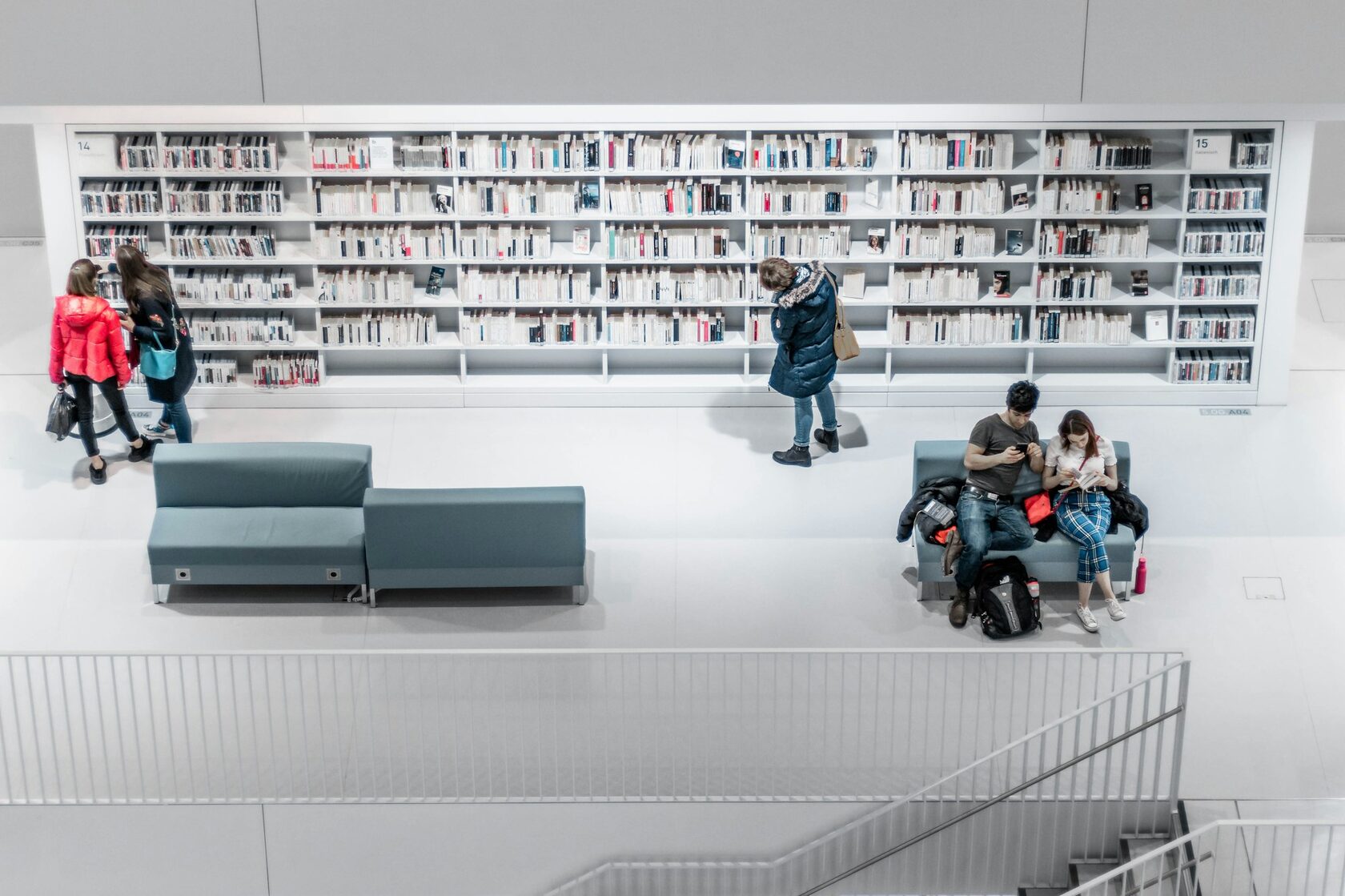
Finding a place to sit used to be the hardest part of the week. Now the state of every room on campus is one tap away, and a seat can be yours before you leave the corridor.
Rooms, quiet desks and lab benches update every minute, so you stop walking to a floor to find it full.
Filter for a projector, a whiteboard, screen printing or sockets at every seat — then book the one that fits the session.
A room booking belongs to the seminar group, with the notes and the attendance list attached to it.
Mentor hour bookings show which desk the assistant will be at, and let you leave the question in advance.
Free right now on campus
Short answers from the spring cohort, collected two weeks after the last hand-in of the semester.
“We used to have four group chats and a paper planner. Now there is one tab, and the deadline row carries the rubric, the room and the notes from the seminar where it was set.”
“I booked a room from my phone on the way to campus. It was free, it had sockets, and three of us worked there all afternoon.”
“The mentor slot is the part I did not expect to use. Fifteen minutes on Thursday saved me a whole Sunday.”
Names shortened at the request of the students interviewed.
No annual contract, no course fee you forget you are paying. If a subject is over, take it out of the workspace and it goes quiet.
Free while the semester lasts
Everything for a single course: the agenda, the materials and the group thread.
€4.90 per month, cancel whenever
Every subject of the term in one workspace, with room booking and mentor hours included.
Short answers. If yours is not here, write to us — a real person replies, usually within a working day.
Still deciding? Reserve a workspace and try it on one subject.
One workspace for the whole semester — built with students from four universities and still run by them.
hello@semestr.study
Mon–Fri, 09:00–17:00 CET
Universitetsvägen 12, Uppsala